Essay
Import AWS API Gateway Client Certificate to Java Keystore
Convert an API Gateway client certificate into DER format and import it into a Java keystore for mutual TLS flows.
This piece is archived here for continuity. The original canonical publication lives on Medium.
After getting an API Gateway endpoint working with Cognito or another auth layer, the next question is often how to lock down the backend path itself.
If the backend load balancer is internet-facing, anyone who learns the DNS name can try to bypass API Gateway and hit the service directly. Mutual TLS is one way to make that path less permissive by authenticating both ends of the connection.
Assuming the backend already has the server certificate in place, the next step is to import the API Gateway client certificate into a Java keystore.
The steps are straightforward and rely on OpenSSL plus keytool.
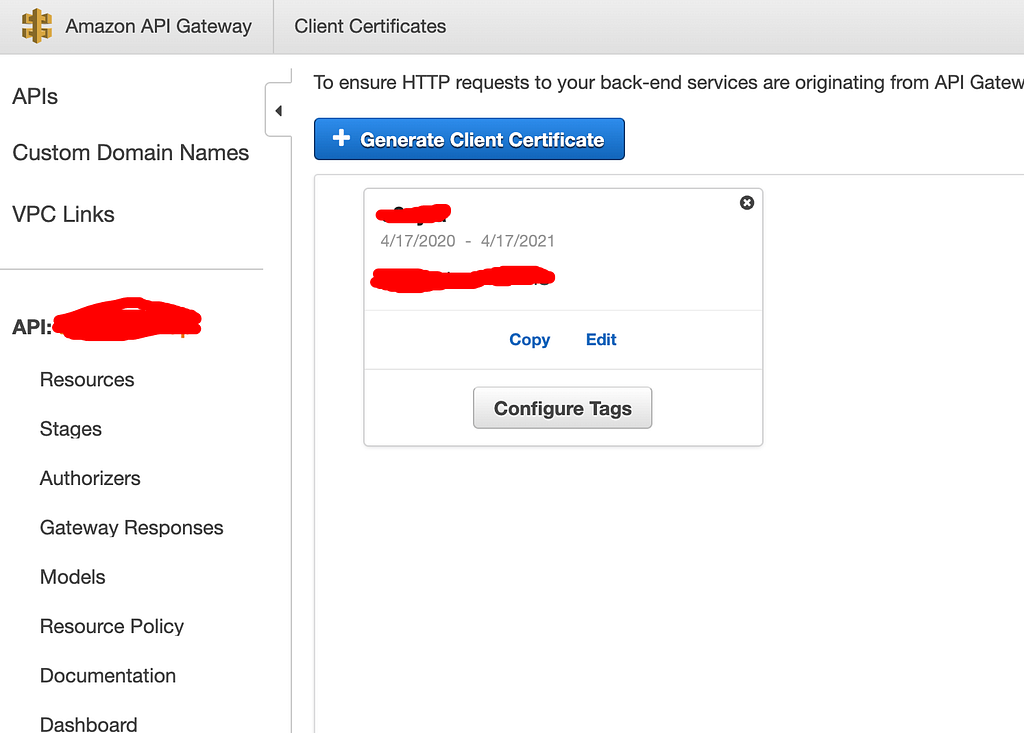
1. Copy the client certificate
Copy the client certificate from API Gateway and paste it into certificate.pem.
2. Convert PEM to DER
openssl x509 -outform der -in certificate.pem -out certificate.der3. Import the DER certificate into the keystore
keytool -import -alias apigateway -keystore keystore.jks -file certificate.der -storetype JKSOnce imported, the keystore can participate in the mutual TLS flow expected by the Java service.